
Demand
Forecast Deviation Report: Monitor the Accuracy of Your Planning
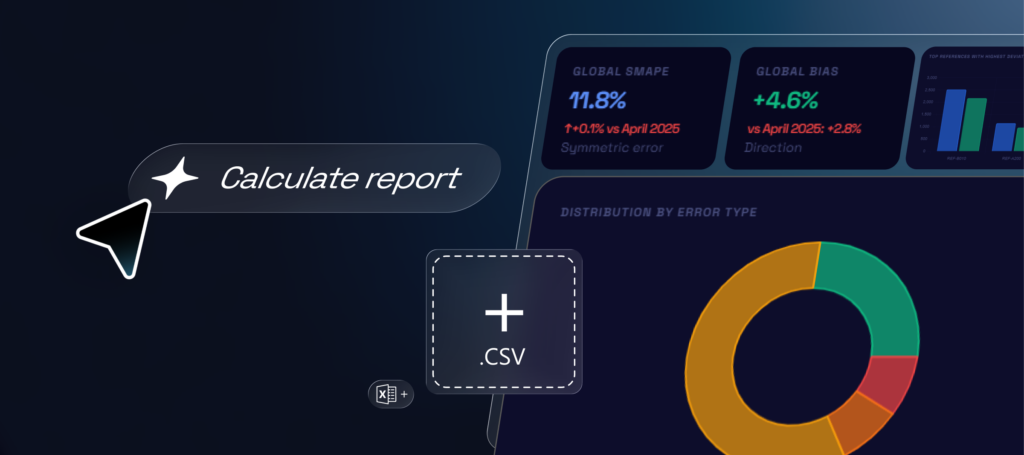
The Forecast Deviation Report is a free web tool that lets you compare your demand forecasts with actual demand. It’s designed to help you track forecast quality, spot significant deviations, detect bias, and generate an executive-ready report for your S&OP cycle.
To start, upload a CSV file containing the current month’s data. This file must include at minimum a column for the reference, a column for the forecast, and a column for actual demand. You can optionally include a column for product family to analyze results by group or category.
You can also upload a second CSV with data from the previous month. This lets you compare forecast performance over time, seeing whether errors have improved, worsened, or stayed stable. Ensure both files share the same structure and measurement criteria for reliable comparisons.
It’s crucial to work with closed data. This means using the forecast generated before the period being analyzed and comparing it to the actual demand for that period. For example, to assess March, use the forecast finalized before March started and compare it to March’s actual results. This prevents distortions caused by forecasts updated mid-period.
Once the files are uploaded, the tool generates a deviation report automatically. The report includes an executive summary, error classification by type, comparison with the previous month, a ranking of references with the largest deviations, a detailed table, and automated recommendations for the next S&OP cycle. You can also export the report in HTML format for sharing internally or for planning meetings.
The executive summary provides a quick overview of key forecast indicators. Global sMAPE measures the forecast’s percentage error, global BIAS indicates whether forecasts consistently overestimate or underestimate demand, and global MAE shows the mean absolute error. You’ll also see the number of references analyzed, total forecast, and total actual demand.
Next, the tool classifies references by error type. You can identify accurate forecasts, overestimates, underestimates, highly variable, or moderately erroneous references. This classification helps prioritize your review, focusing first on items with the largest potential impact on planning.
The report also includes visualizations for quick interpretation. An error-type distribution chart gives an overall view of forecast quality. A ranking of references with the largest deviations compares forecast versus actual, highlighting products with the greatest differences. The sMAPE evolution by reference allows you to compare the current month with the previous month, showing which items have improved or worsened.
Finally, the detailed table lets you examine each reference individually. It shows forecast, actual demand, deviation, BIAS%, sMAPE%, and assigned error type. This information helps you identify patterns, detect critical references, and define corrective actions.
As a result, you gain a clear, actionable view of your forecast quality. The tool helps you identify deviations, detect bias, track month-to-month performance, and prioritize actions to improve demand forecasting and planning.
Access the tool online now to keep your forecast under control and make better-informed decisions.